






Setting Your Google Maps Service Area to Win in Local Search
 Mar 18, 2026
  3 mins


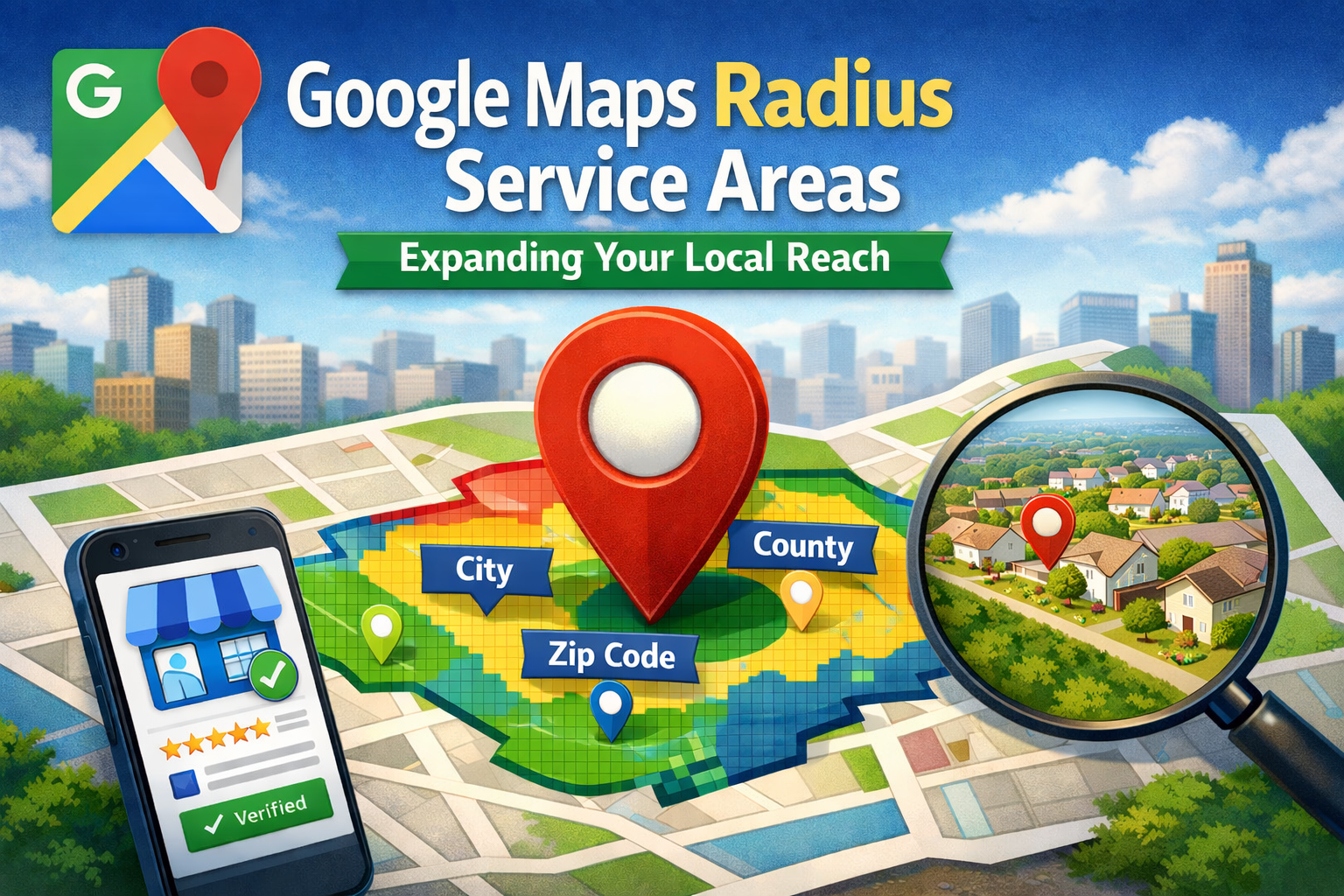
For local businesses, showing up in the right places on Google Maps can mean the difference between steady leads and missed opportunities. If you’ve ever wondered:
“How can I make sure I show up for searches in my target city?”
“How do I adjust my Google Maps ‘radius’ to reach more people?”
You’re in the right place.
At WebSuited, we help businesses optimize their Google Business Profiles (GBP) so they appear in the searches that matter most — and defining your service area is a big part of that strategy.
From Google Maps Radius to Service Areas
Years ago, Google let you draw a simple radius around your location to show where you served customers. It was quick, but not very precise.
Now, the system is smarter. Instead of drawing a circle, you define your service area by listing specific geographic locations you serve, such as:
- Cities
- Counties
- States
- Zip Codes
- Neighborhoods
Google uses this information to display your service area on Maps, making it clear to potential customers whether you serve them before they even click.
How to Set Your Google Maps Service Area
Setting up or updating your service area is straightforward. You can edit it directly in Google Search or the Google Maps app.
Step 1 – Create or Access Your Google Business Profile (GBP)
- Don’t have one? Create it — it’s free and essential for local visibility.
- Already have one? Make sure you’re logged into the account that manages it.
Step 2 – Verify Your Business
Google must confirm you operate where you say you do. Verification may involve a phone call, text, email, or postcard.
Step 3 – Choose the Correct Business Type
- Service-Area Business: You travel to customers, no public storefront (e.g., plumbers).
- Hybrid Business: You have a storefront and also serve customers off-site (e.g., restaurants with delivery).
Step 4 – Define Your Service Areas
- Add up to 20 locations, such as cities, counties, or zip codes.
- Be specific — think about how your customers search.
- Click “Save” when done.
Why Your Service Area Matters for Local SEO
Defining your service area isn’t just filling out a form — it’s a powerful local SEO signal.
Here’s why:
- Tell Google Where to Show You – It’s the clearest way to connect to local searches.
- Attract Qualified Leads – Appear for customers you can actually serve.
- Build Trust – Show customers your exact coverage area.
- Improve User Experience – Help searchers find the right local business faster.
Pro Tips from WebSuited
- Be Realistic – Only list areas you can truly serve well.
- Be Specific – Use city or county names over broad regions when possible.
- Update Often – If your service area changes, reflect it right away.
- Avoid Overlapping Overload – Keep it clear and simple for both customers and Google.
Beyond Service Areas: Think Holistic Local SEO
Your service area is just one piece of the puzzle. To dominate local search, you should also:
- Fully optimize your GBP (photos, posts, Q&A, hours)
- Collect and respond to customer reviews
- Create local content relevant to your service areas
- Ensure your business info (NAP) is consistent across directories
Win Local Searches with WebSuited
Google decides where to rank you, but you control the signals you send. By clearly defining your service area and optimizing your GBP, you set the stage for local search success.
Whether you need to fine-tune your existing profile or build your local SEO from the ground up, WebSuited can help.
📩 Contact Us to get started.